Markwell
Mark well what you read.
Your Kobo highlights, yours to keep.
Markwell backs up your highlights and notes, and turns them into a library you can read, search, and keep — entirely on your own computer.
- No cloud
- No account
- Never writes to your Kobo
Direct from the latest GitHub release. On macOS, open the disk image and drag Markwell into Applications; on Windows, unzip and open — Markwell opens in your web browser.
Prefer the command line? pipx install markwell
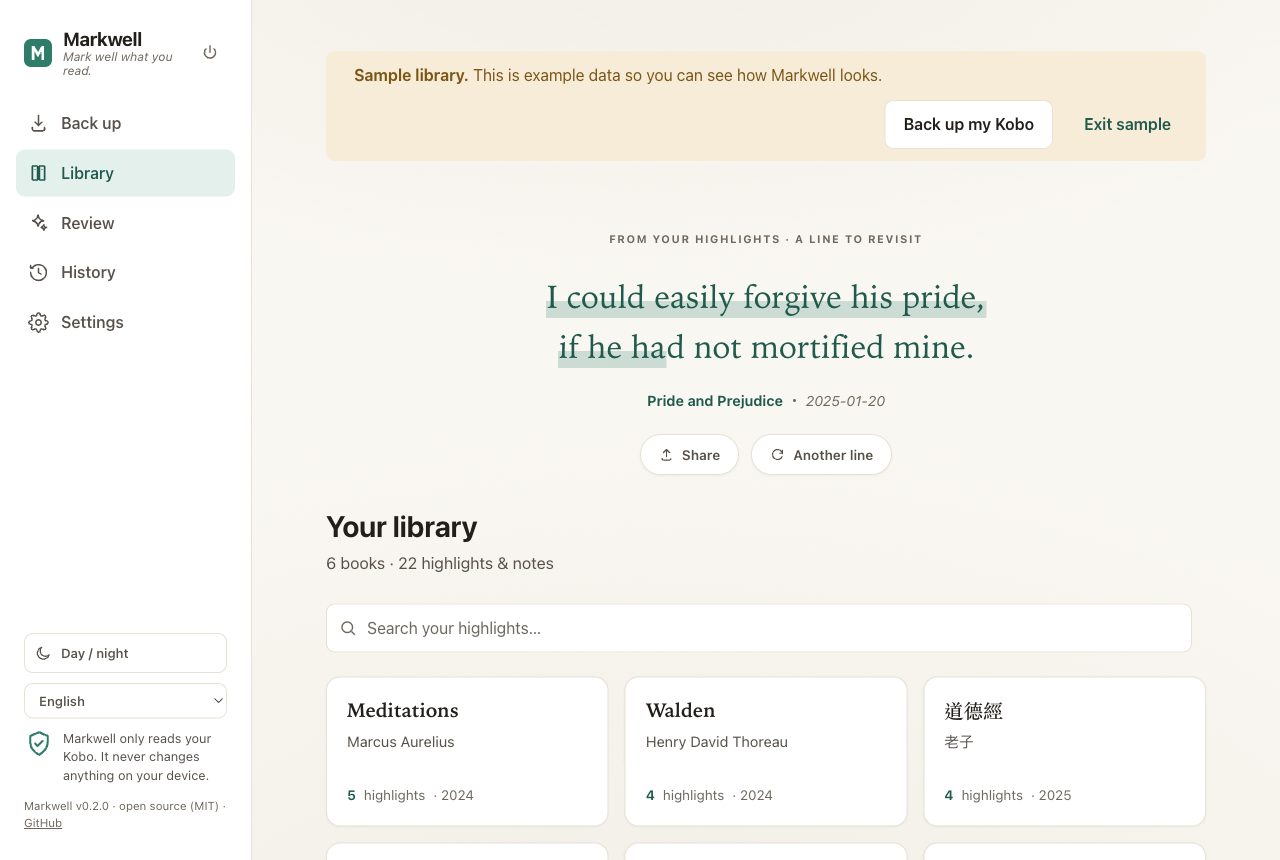
What Markwell does
Back up safely
Every backup is a timestamped copy that is never overwritten. Markwell only ever reads your Kobo — nothing touches the device.
Read & search
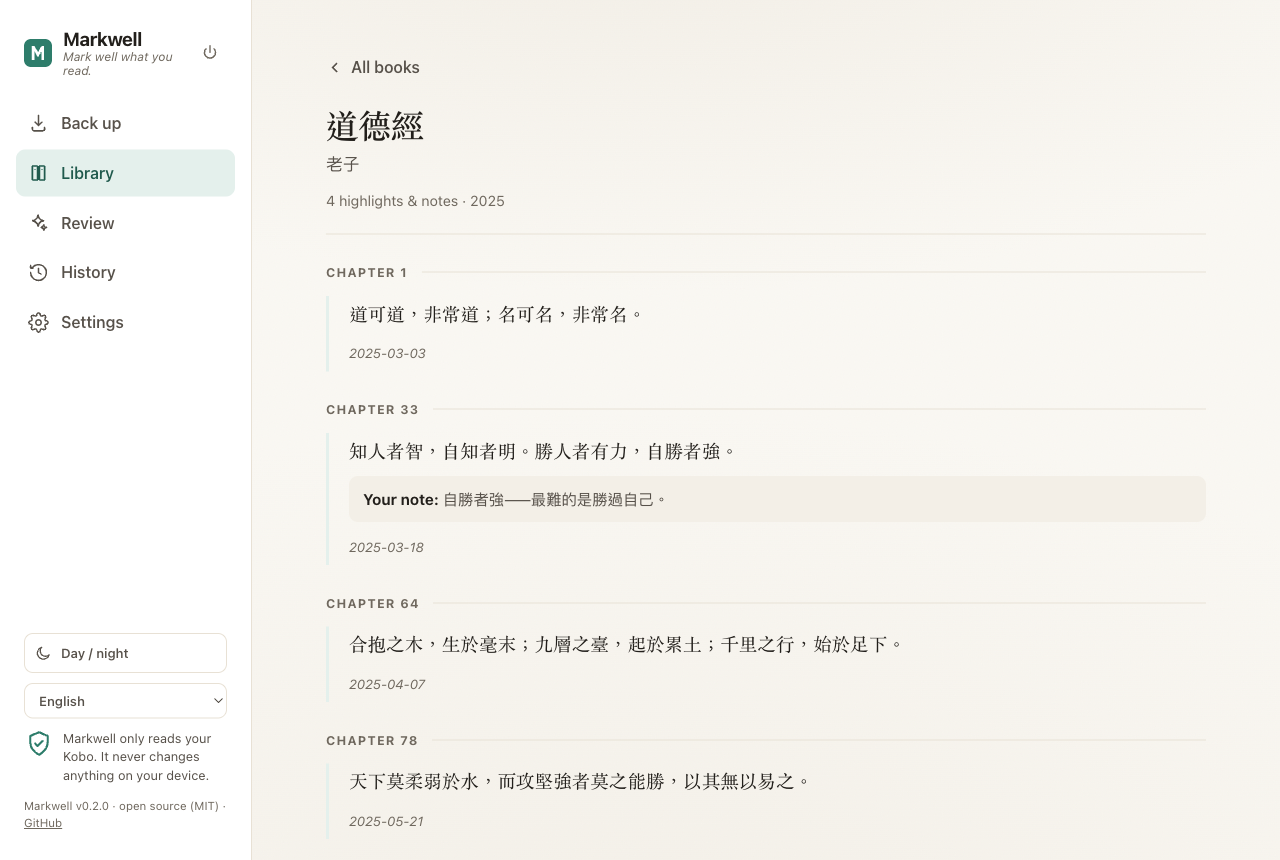
A calm, book-like library: one page per book, in reading order, with your notes beneath — and every line searchable.
Review & share cards
Each day brings back one line from your reading. Any highlight can become a quote card — three sizes, three styles, drawn entirely on your machine.
Five export formats
Markdown, JSON, CSV, Anki flashcards, and a printable HTML library — ready for Obsidian, Anki, Excel, or your own scripts.
Your cloud, your folder
Everything lives in one ordinary folder. Point it at iCloud Drive, Google Drive, Dropbox, or OneDrive — your cloud app syncs it; Markwell never uploads a byte.
Four languages
The whole app — and the files it writes — speaks English, 繁體中文, 日本語, and 한국어. Your highlights stay verbatim, never translated.
If your computer hesitates at first launch
Markwell is free software and the downloads carry no code-signing certificate, so your operating system asks for one extra confirmation the first time.
First launch on macOS
Right-click (or Control-click) Markwell and choose Open, then click Open in the dialog. macOS remembers your answer, so this is only needed once.
On newer macOS (Sequoia and later) the right-click route is gone: open Markwell once, then go to System Settings → Privacy & Security and click Open Anyway.
First launch on Windows
When the SmartScreen window appears, click More info, then Run anyway.
Rather not run an unsigned download?
pipx install markwell is the same app, with no bundled executable.
Remove it any time
Don't like it? Markwell installs nothing in the background — no service, no
account, no registry entries, never a network connection. On macOS and Windows,
move Markwell to the Trash or Recycle Bin and nothing is left
behind. Installed from the command line? pipx uninstall markwell.
Your library and snapshots live in a separate folder
(~/Markwell by default), so removing Markwell never touches them —
delete that folder, plus the small settings folder ~/.markwell/,
for a clean sweep.
Your data stays yours
Markwell runs entirely on your computer: it serves only to 127.0.0.1 and makes no network connections, so your highlights never leave your machine. The code is open source under the MIT license — you can read every line of it, and the security policy, on GitHub.